> ## Documentation Index
> Fetch the complete documentation index at: https://docs.zayo.com/llms.txt
> Use this file to discover all available pages before exploring further.
# Welcome to DynamicLink Portal Knowledge Base
> Your comprehensive guide to automated and advanced network, security, and management.
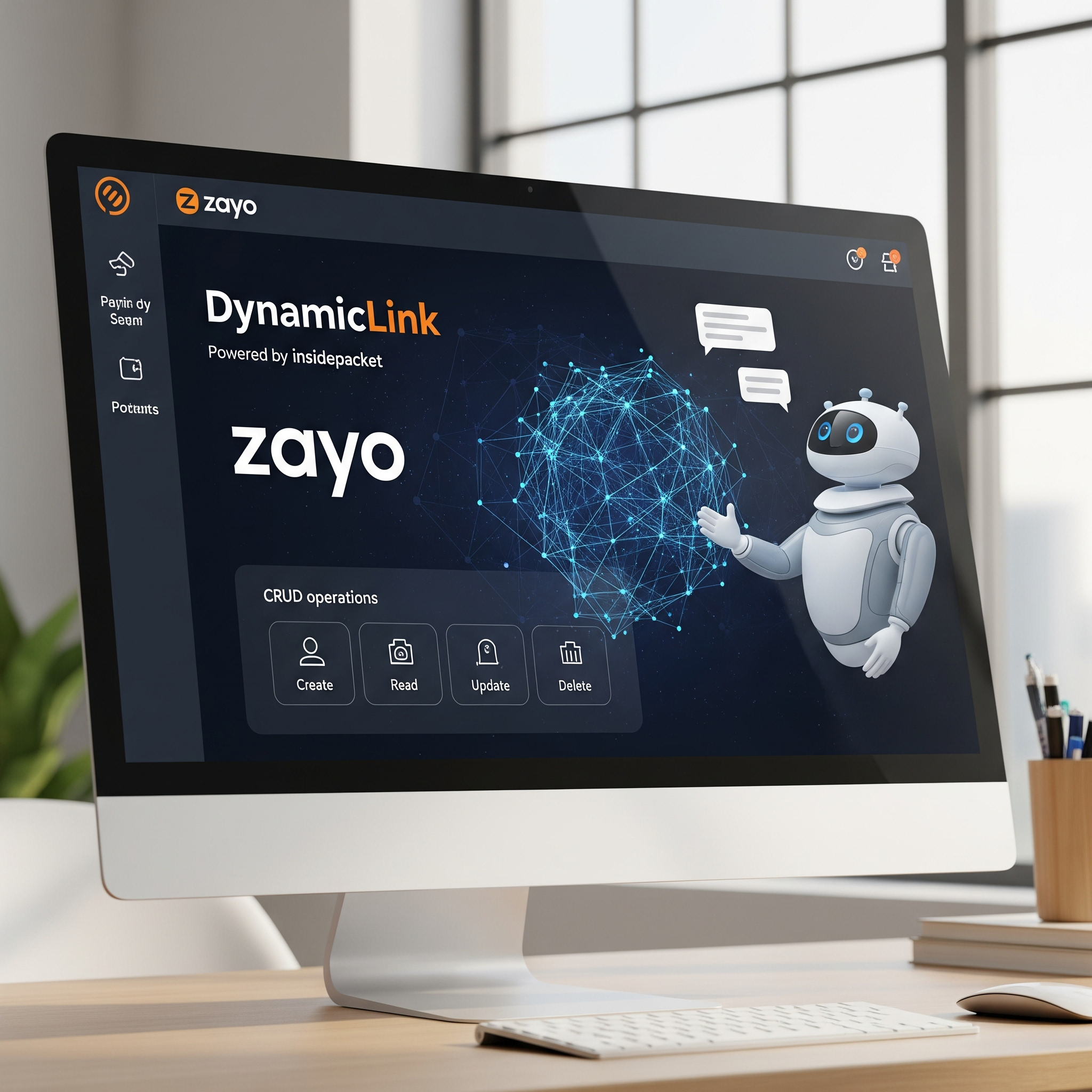 🚀 Quick Start Guide: DynamicLink Portal
The DynamicLink Portal empowers businesses with automated and advanced network, security, and management capabilities. This documentation is designed to help you navigate, configure, and optimize your network infrastructure with ease.
Watch video tutorials and demonstrations to help you get started and optimize your network.
InsideIQ is an AI assistant designed to streamline your workflow, provide instant support, and give you unprecedented control over your network resources using simple, natural language.
**Build Your Network**
Begin your journey by setting up your network infrastructure.
Discover how to order and provision physical connection points for your network.
Establish direct network connections between two data center ports for seamless data transfer.
Manage and configure your Cloud Router for multi-cloud connectivity and routing.
Set up fast, reliable internet service with dedicated, symmetrical bandwidth.
Connect directly and securely to global cloud regions like AWS, GCP, and Azure.
**Insights**
Gain real-time visibility and detailed analytics into your network and application performance.
Get real-time insights into network traffic, application usage, and user activity.
Monitor server traffic, IP connections, geolocation data, and bandwidth usage.
View real-time status and performance of cloud tunnels and remote site links.
**Network and Services**
Configure and manage network components and security features.
Configure robust firewall rules, web filtering, and DDoS protection.
Manage Border Gateway Protocol settings for advanced routing.
Utilize diagnostic tools like Route Lookup, Ping, Trace Route, and Packet Capture.
Displays the MAC address table showing which devices are learned on which interfaces.
Safeguard your network from distributed denial-of-service attacks.
Lists all active routes on the device, including BGP, static, and connected routes.
**Quick Access:** Need to get up and running quickly?
A concise guide to rapidly set up your account and initial network configurations.
🚀 Quick Start Guide: DynamicLink Portal
The DynamicLink Portal empowers businesses with automated and advanced network, security, and management capabilities. This documentation is designed to help you navigate, configure, and optimize your network infrastructure with ease.
Watch video tutorials and demonstrations to help you get started and optimize your network.
InsideIQ is an AI assistant designed to streamline your workflow, provide instant support, and give you unprecedented control over your network resources using simple, natural language.
**Build Your Network**
Begin your journey by setting up your network infrastructure.
Discover how to order and provision physical connection points for your network.
Establish direct network connections between two data center ports for seamless data transfer.
Manage and configure your Cloud Router for multi-cloud connectivity and routing.
Set up fast, reliable internet service with dedicated, symmetrical bandwidth.
Connect directly and securely to global cloud regions like AWS, GCP, and Azure.
**Insights**
Gain real-time visibility and detailed analytics into your network and application performance.
Get real-time insights into network traffic, application usage, and user activity.
Monitor server traffic, IP connections, geolocation data, and bandwidth usage.
View real-time status and performance of cloud tunnels and remote site links.
**Network and Services**
Configure and manage network components and security features.
Configure robust firewall rules, web filtering, and DDoS protection.
Manage Border Gateway Protocol settings for advanced routing.
Utilize diagnostic tools like Route Lookup, Ping, Trace Route, and Packet Capture.
Displays the MAC address table showing which devices are learned on which interfaces.
Safeguard your network from distributed denial-of-service attacks.
Lists all active routes on the device, including BGP, static, and connected routes.
**Quick Access:** Need to get up and running quickly?
A concise guide to rapidly set up your account and initial network configurations.