> ## Documentation Index
> Fetch the complete documentation index at: https://docs.zayo.com/llms.txt
> Use this file to discover all available pages before exploring further.
# Update or Delete a Dedicated Internet Access (DIA) Connection
Once a DIA connection is created, you can do the following:
* Delete the connection
* Edit the connection to increase or decrease the bandwidth
* Set up DIA firewall rules
 ## Update connection speed
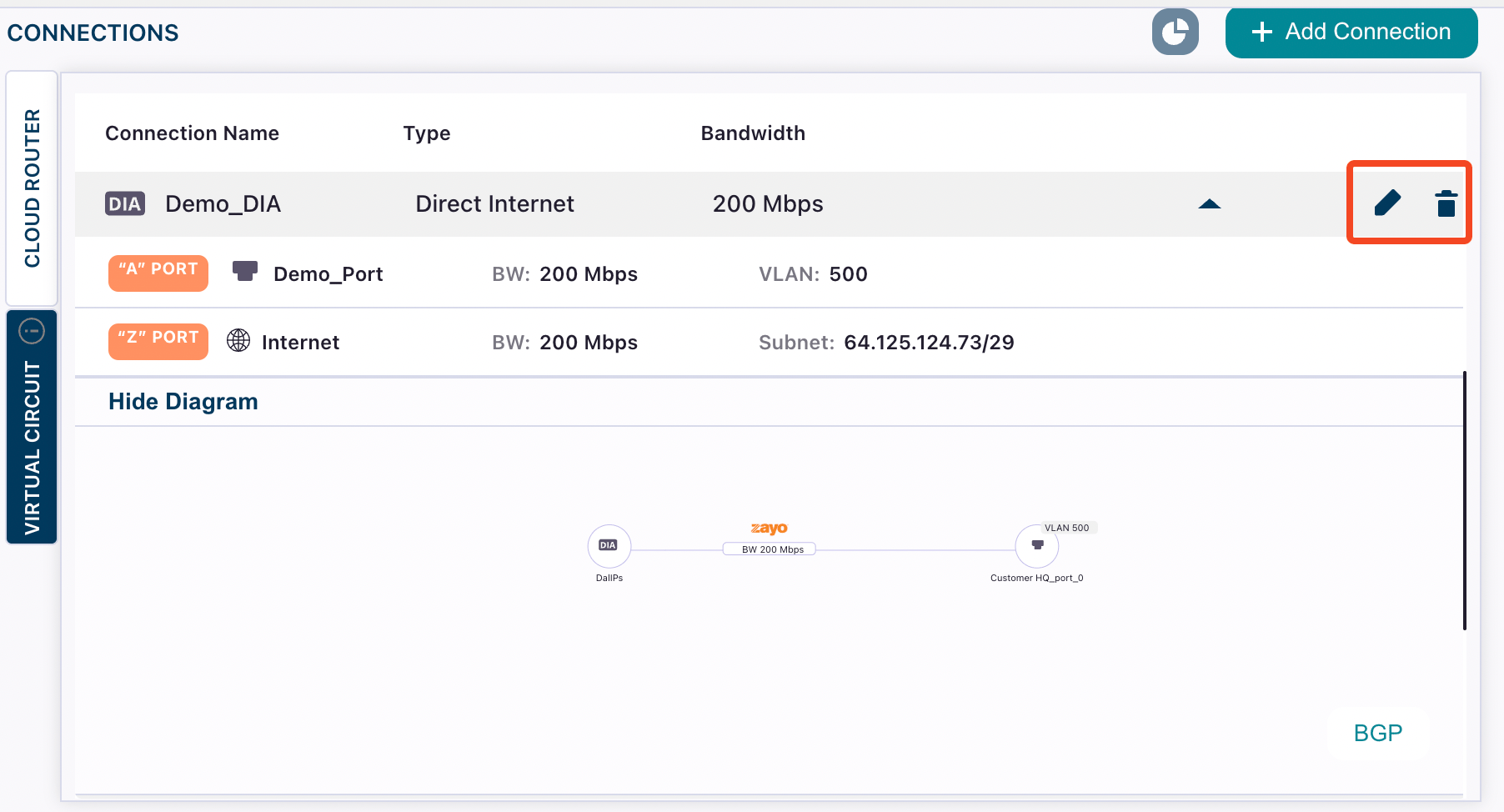
Go to **Build Your Network** and find your DIA connection. Hover over the name and select the edit icon.
From here you can use the bandwidth (**BW**) drop-down menu next to the port to increase or decrease the bandwidth (speed).
## Delete the connection
Go to **Build Your Network** and find your DIA connection. Hover over the name and select the delete icon.
Note that deleting your DIA connection does not delete your [public IP pool](public-ips).
You can also use [InsideIQ](ask-ai) to update your connections.
For example, "Increase the speed of Demo\_DIA to 300 Mbps" or "Delete Demo\_DIA"
## Update connection speed
Go to **Build Your Network** and find your DIA connection. Hover over the name and select the edit icon.
From here you can use the bandwidth (**BW**) drop-down menu next to the port to increase or decrease the bandwidth (speed).
## Delete the connection
Go to **Build Your Network** and find your DIA connection. Hover over the name and select the delete icon.
Note that deleting your DIA connection does not delete your [public IP pool](public-ips).
You can also use [InsideIQ](ask-ai) to update your connections.
For example, "Increase the speed of Demo\_DIA to 300 Mbps" or "Delete Demo\_DIA"