

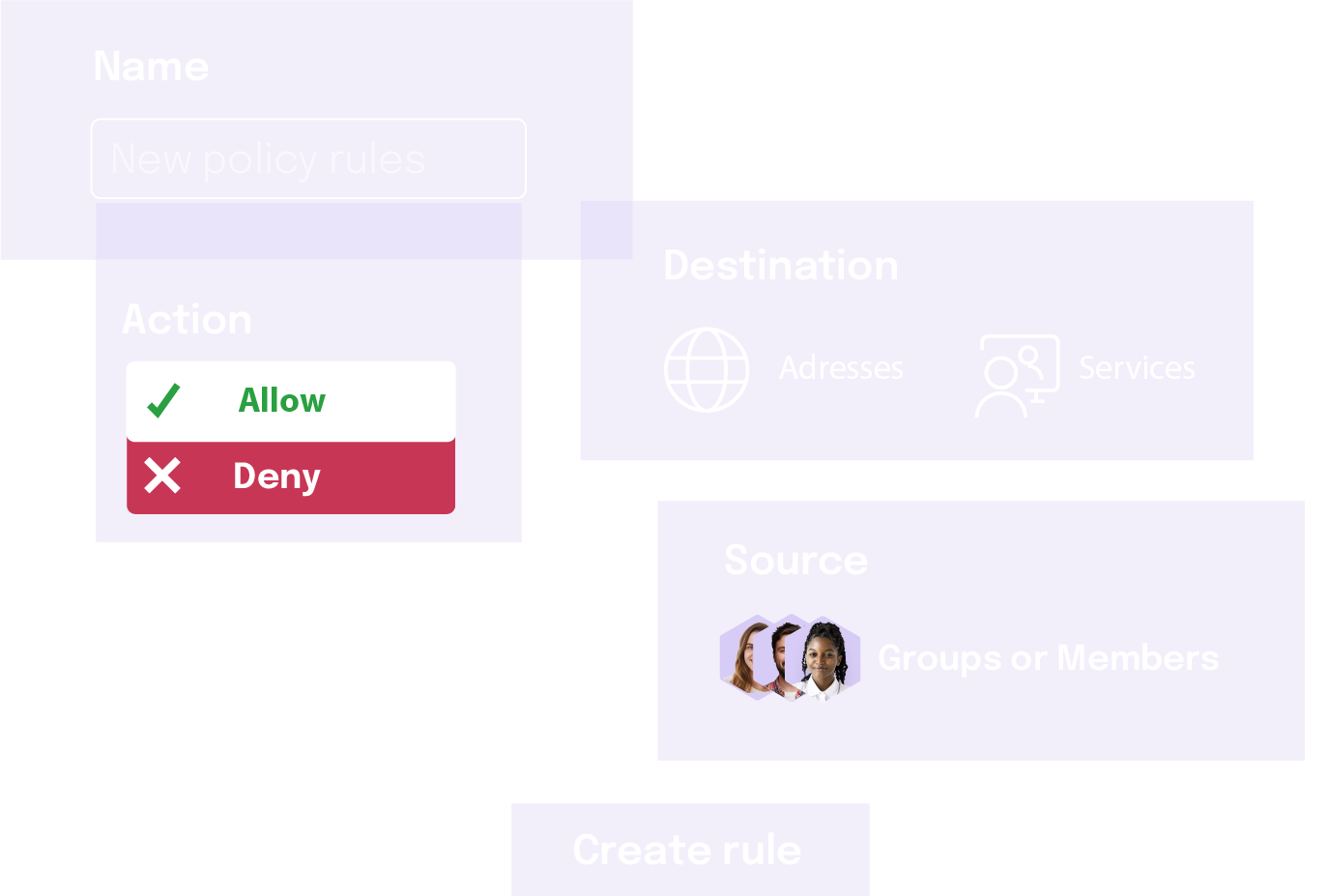
Creating a Firewall Rule
Firewall rules allow you to control traffic flow based on specific criteria. To create a new firewall rule, follow these steps:- In the Admin GUI, navigate to the Services menu option.
- Select Firewall.
- Click the Add button to open the “Create Firewall Rule” dialog.
- Fill out the fields in the dialog box:
- Name: A descriptive name for the firewall rule (e.g.,
Allow-Web-Traffic-From-Office). - Priority: Set the priority for the rule. Lower values indicate higher priority (e.g.,
100is higher priority than200). - Admin State: Enable or disable the rule.
- Description: (Optional) A more detailed description of the rule’s purpose.
- IP Protocol: Specify the IP version (
IPv4orIPv6). This must match the version used in the Source and Destination IP fields. - Protocol: Select the transport layer protocol (e.g.,
TCP,UDP,ICMP, orAny). - Action: Choose the action to take when the rule is matched (
PermitorDeny). - Source: Define the source IP prefix (e.g.,
192.168.1.0/24) or a pre-defined IP Group. - Destination: Define the destination IP prefix or a pre-defined IP Group.
- Source Port: Specify the source port or a port range (e.g.,
1024-65535). - Destination Port: Specify the destination port or a port range (e.g.,
443for HTTPS). - Source VI: Select the source Virtual Interface (VI) where the traffic originates.
- Destination VI: Select the destination Virtual Interface (VI) where the traffic is headed.
- Name: A descriptive name for the firewall rule (e.g.,
- Click Add to save and apply the new rule.
How Rules Are Processed
It is important to understand how the firewall processes rules to ensure your policies are effective:- Execution by Priority: Firewall rules are executed in order of their priority value, starting with the lowest number. The first rule that matches the traffic is the one that is applied.
- Logical AND Condition: All the filters (Source, Destination, Port, etc.) within a single rule are combined with a logical AND. This means that for a rule to be triggered, all specified conditions within that rule must be true for the given network packet.