Users in the Administrator role can add other users to a tenant (your DynamicLink account).

User roles

RoleDescription
AdministratorFull permissions across DynamicLink
EditorFull permissions, but cannot add or update other users
ViewerRead-only access

Add a user

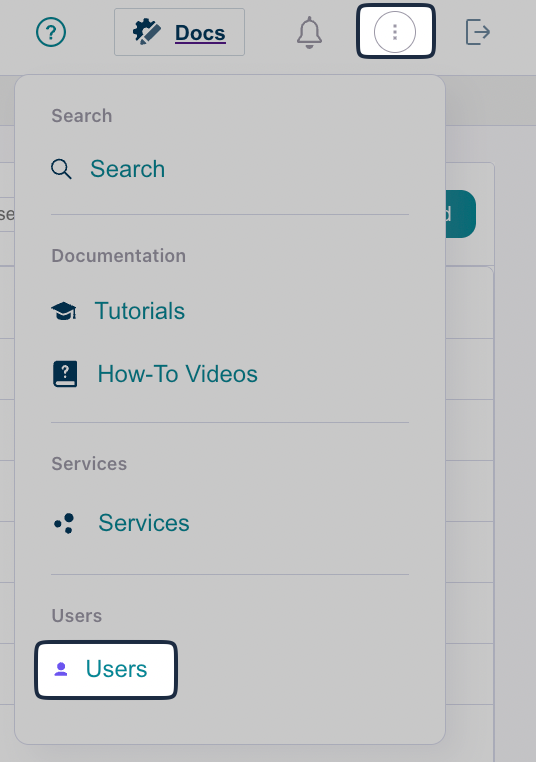
From DynamicLink, click the menu in the upper right and selecting Users. Screenshot Click Add and then complete the following fields:
FieldDescription
UsernameEnter the username. Usernames cannot include capital letters.
PasswordEnter a default password for the user.
You must provide this password to the user. When they log in for the first time, they will be prompted to update their password.
RoleSelect a user role.
EmailEnter an email address for the user.
First NameEnter the user’s full name.
PhoneEnter a phone number for the user (optional).
DescriptionEnter a description for the user (optional).
When the user signs in, their username will be a combination of the username you entered above and your organization’s tenant ID. For example, if you enter john as the username and your tenant is EXAMPLE_1, John would sign in as john@EXAMPLE-1