

- Office IP ranges for firewall rules
- Server subnets for access control
- Cloud provider IP ranges
- Trusted network segments
Add a Group
Select Network in the bottom menu and then select Groups.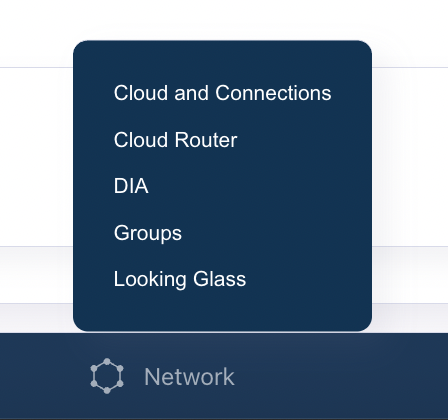
- Click Add in the upper right.
- Provide a name for the Group.
- Next to Add IP Subnet, enter the subnet you want to include in the group.