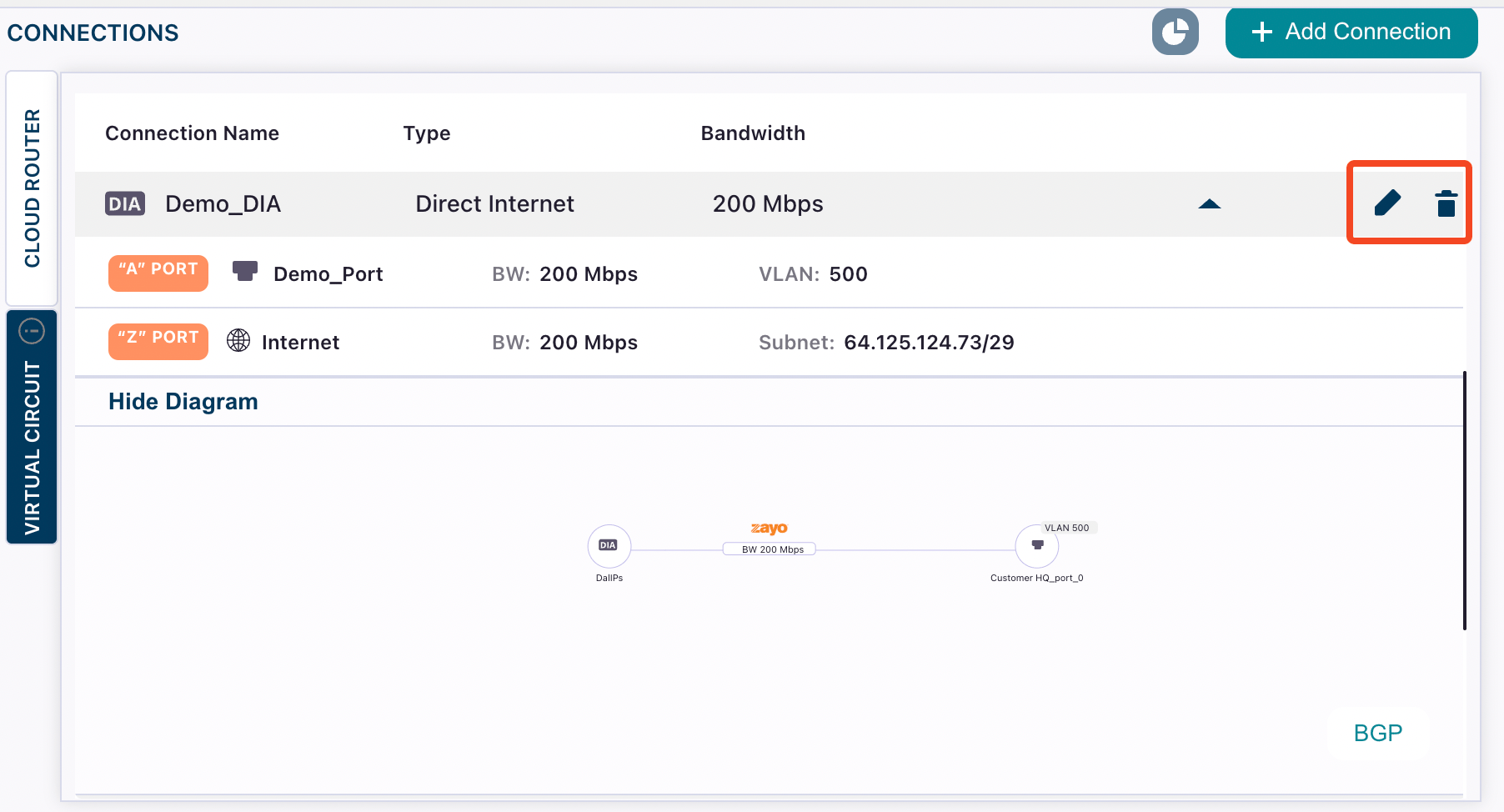
Go to Build Your Network and find your DIA connection. Hover over the name and select the edit icon.From here you can use the bandwidth (BW) drop-down menu next to the port to increase or decrease the bandwidth (speed).
Go to Build Your Network and find your DIA connection. Hover over the name and select the delete icon.Note that deleting your DIA connection does not delete your public IP pool.
You can also use InsideIQ to update your connections.For example, “Increase the speed of Demo_DIA to 300 Mbps” or “Delete Demo_DIA”
Assistant
Responses are generated using AI and may contain mistakes.