

You only need to submit an ASN if you’re using DIA BGP. Standard DIA connections do not require an ASN.
Submit an ASN
Go to Build Your Network > Public IPs > ASN. Click Set up new and complete the following field:
Click Setup.
Your ASN will appear in the ASN section with a Pending status while Zayo reviews it.
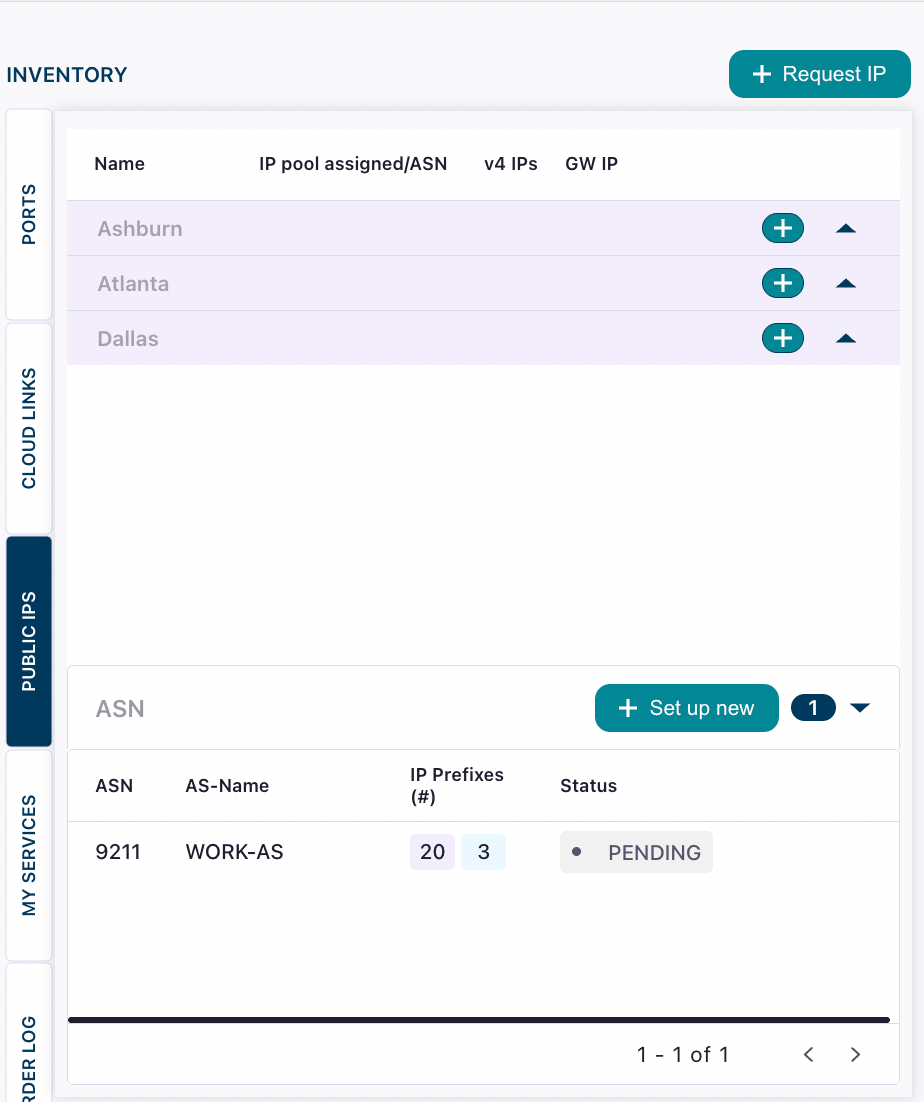
ASN approval
Zayo verifies that the submitted ASN belongs to your organization before approving it for use on the platform. Once verified, the status changes from Pending to Approved and displays in green. If your ASN is declined, the reason for the decline will be shown in the ASN section. Common reasons include:- The ASN is not registered to your organization
- The ASN is not publicly routable
- The ASN information does not match Zayo’s records
Use or delete an ASN
Once your ASN is approved, you can select it when creating a DIA BGP connection. A single approved ASN can be used across multiple DIA BGP connections.Deleting an ASN is optional and should only be done if you no longer plan to use it for any DynamicLink service. If you delete an ASN and need it again later, you must submit it again and wait for re-approval.