Once you have created a Cloud Router, you can add routing rules to it to build your own network between data centers, cloud service providers, and DIA connections.
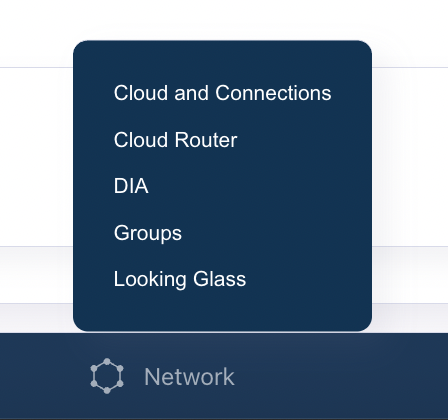
In the DynamicLink portal, select Network from the bottom menu.
Select Cloud Router.
Network menu
Under the Cloud Router tab, you can configure the following:
Routes: Add static and dynamic routes to the Cloud Router.
BGP: Configure BGP peering with external networks.
ARP: Configure ARP tables for static IP addresses.
MACs: Configure MAC addresses for static IP addresses.
Policy-Based Routing (PBR): Configure policy-based routing to control traffic flow.
Assistant
Responses are generated using AI and may contain mistakes.