To log in to DynamicLink, you must know your username and your tenant name. Your tenant name is the name of your organization account, for example CompanyName.
Prior to DynamicLink 2.16, your would log in in a single step with your username followed by your tenant name, for example: john@CompanyName.In DynamicLink 2.16, this was split into two steps.
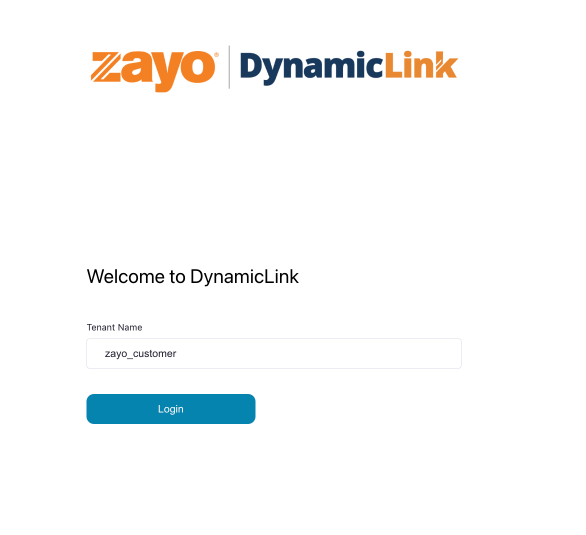
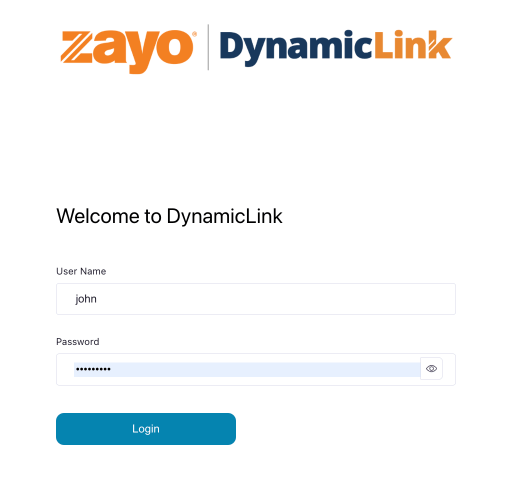
Enter your tenant name: login-tenant Click Login. In the next step, you will be asked for your username and password. login-username